
Integration of ZOLOZ HarmonyOS SDK
This document introduces the complete process of manually integrating the ZOLOZ HarmonyOS SDK.
Prerequisites
Before integrating the ZOLOZ HarmonyOS SDK, ensure that your DevEco Studio version is 5.0.5 or later.The minimum HarmonyOS version supported by the SDK is 5.0.0 (API 12).
Products supported
The ZOLOZ HarmonyOS SDK supports the following products:
- RealID
- ID Recognition
- Face Capture
- Connect
- NFC Reader
- VideoVerify
- GeoTrust Locator
Procedures
Step 1: Download and Install SDK
- Open the ZOLOZ HarmonyOS repository.
- Select the desired ZOLOZKit version (it is recommended to use the latest version), and download the corresponding
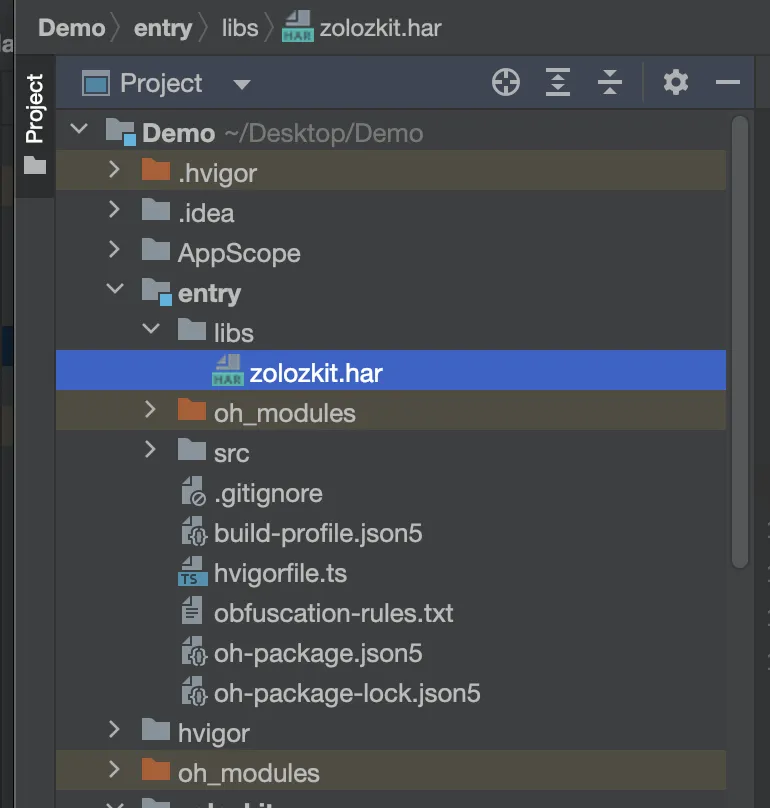
zolozkit.harpackage. - Drag the downloaded SDK file (.har) into the
libsdirectory of your project.
- Add the following dependency configuration in the
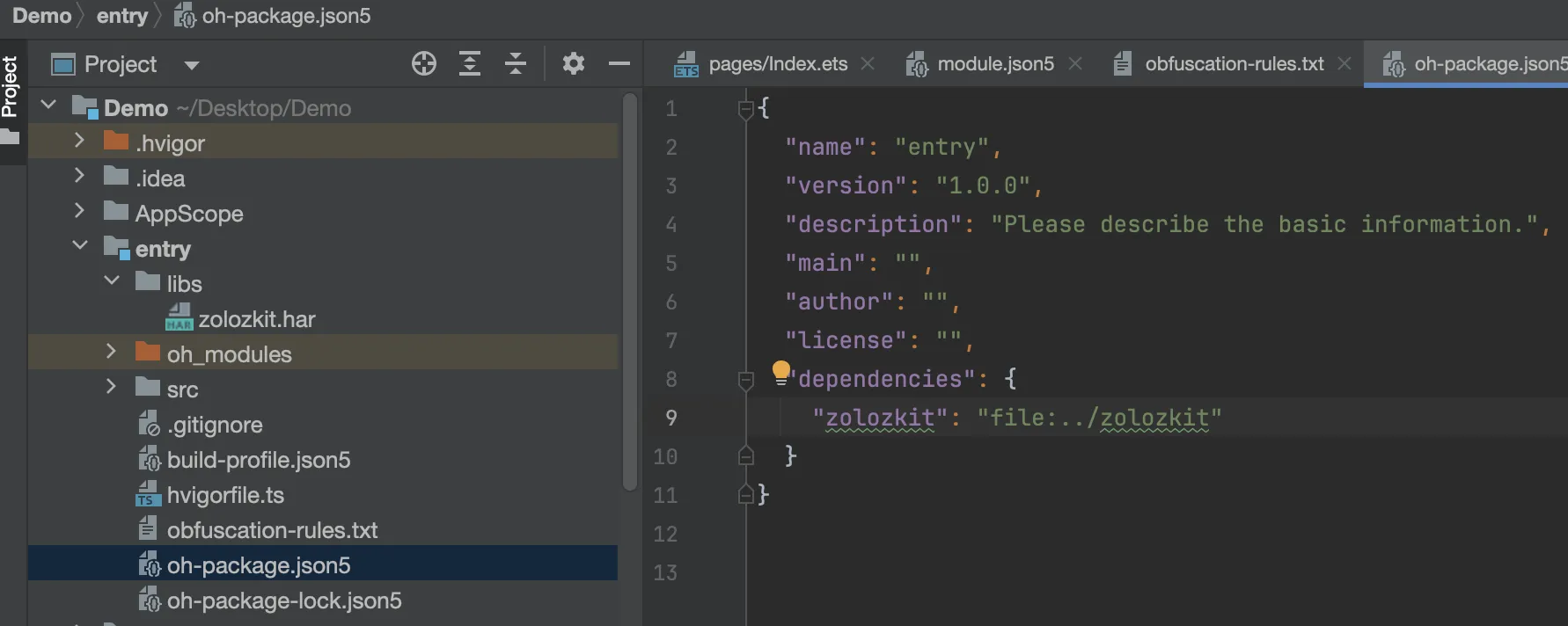
oh-package.json5file of the module that needs to integrate the ZOLOZKit SDK.
copy
{
    "dependencies": {
      // ./libs/zolozkit.har should be replaced with the actual path of zolozkit.har
        "zolozkit": "file:./libs/zolozkit.har"
    }
}
Step 2: Verify HAR Integration
After configuring the dependency in oh-package.json5 and syncing the project, it is recommended to add the following test code to your project. If the metainfo string can be obtained successfully, the SDK has been correctly integrated.
copy
// Import ZOLOZ
import { ZolozFacade } from "zolozkit";

// Test calling ZolozFacade getMetaInfo
const metainfo = ZolozFacade.getMetaInfo();
Step 3: Start the ZOLOZ SDK
Run the following code to import the SDK and start the verification process:
copy
// Import ZOLOZ
import { ZolozFacade, ZolozRequest, ZolozResponse, ZLZResponseCode } from "zolozkit";

// Build request
const request = new ZolozRequest(clientCfg, { rsaPubKey });

// Start the SDK
const response: ZolozResponse = await ZolozFacade.getInstance().startWithRequest(getContext(this), request);

// Handle result based on response code
if (response.code === ZLZResponseCode.Interrupt) {
  // User exited or system interrupted; the SDK has already shown a prompt internally
} else {
  // The flow completed normally; call the backend checkResult API to obtain the transaction result (the backend service is the source of truth)
}