Manual Integration of ZOLOZ iOS SDK
This document introduces the complete process of manually integrating the ZOLOZ iOS SDK.
Prerequisites
Before integrating the ZOLOZ iOS SDK, ensure that your Xcode version is 15.0 or later.
Procedures
Step 1: Download SDK
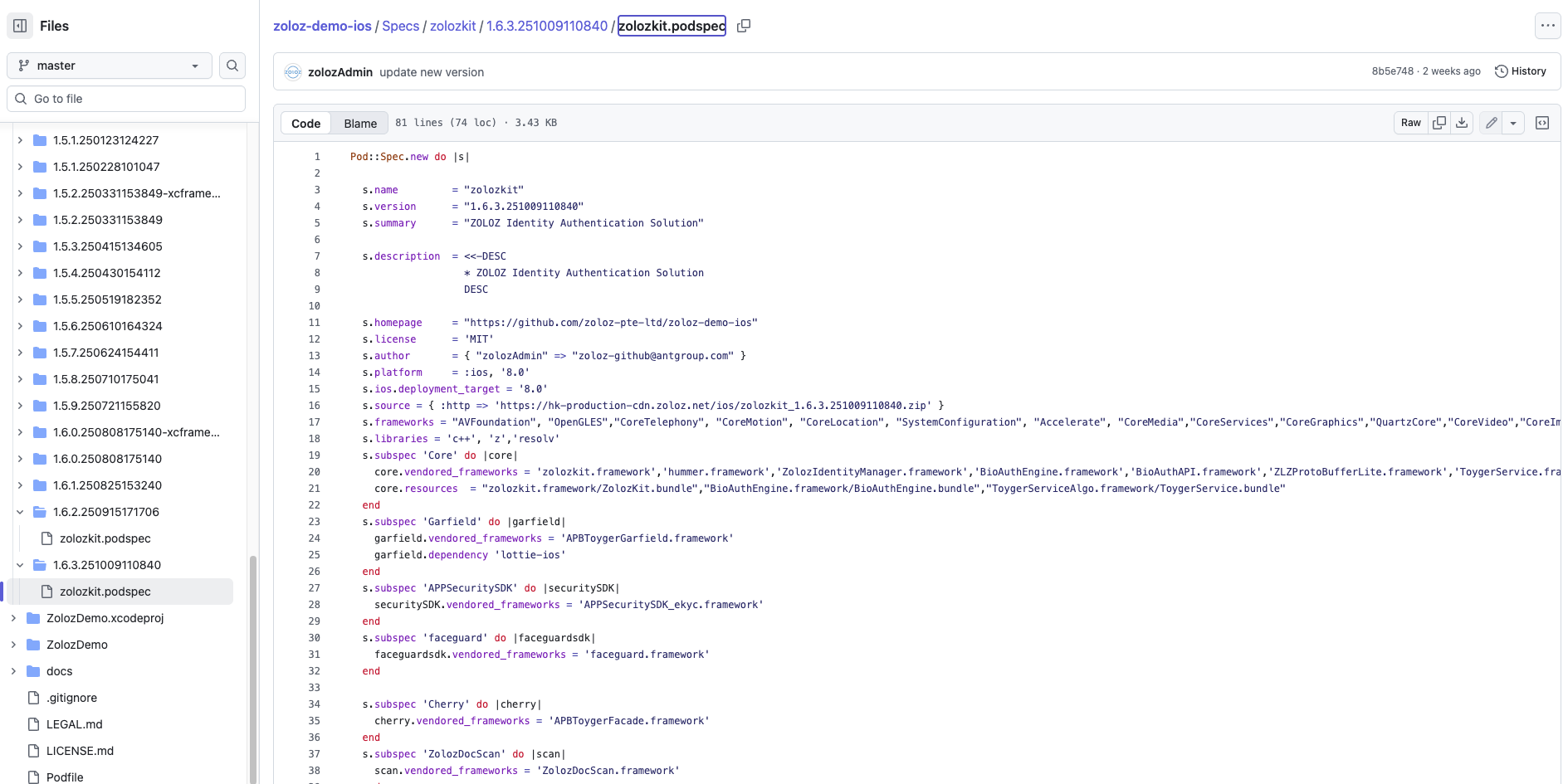
- Open the zolozkit repository.
- Navigate to the
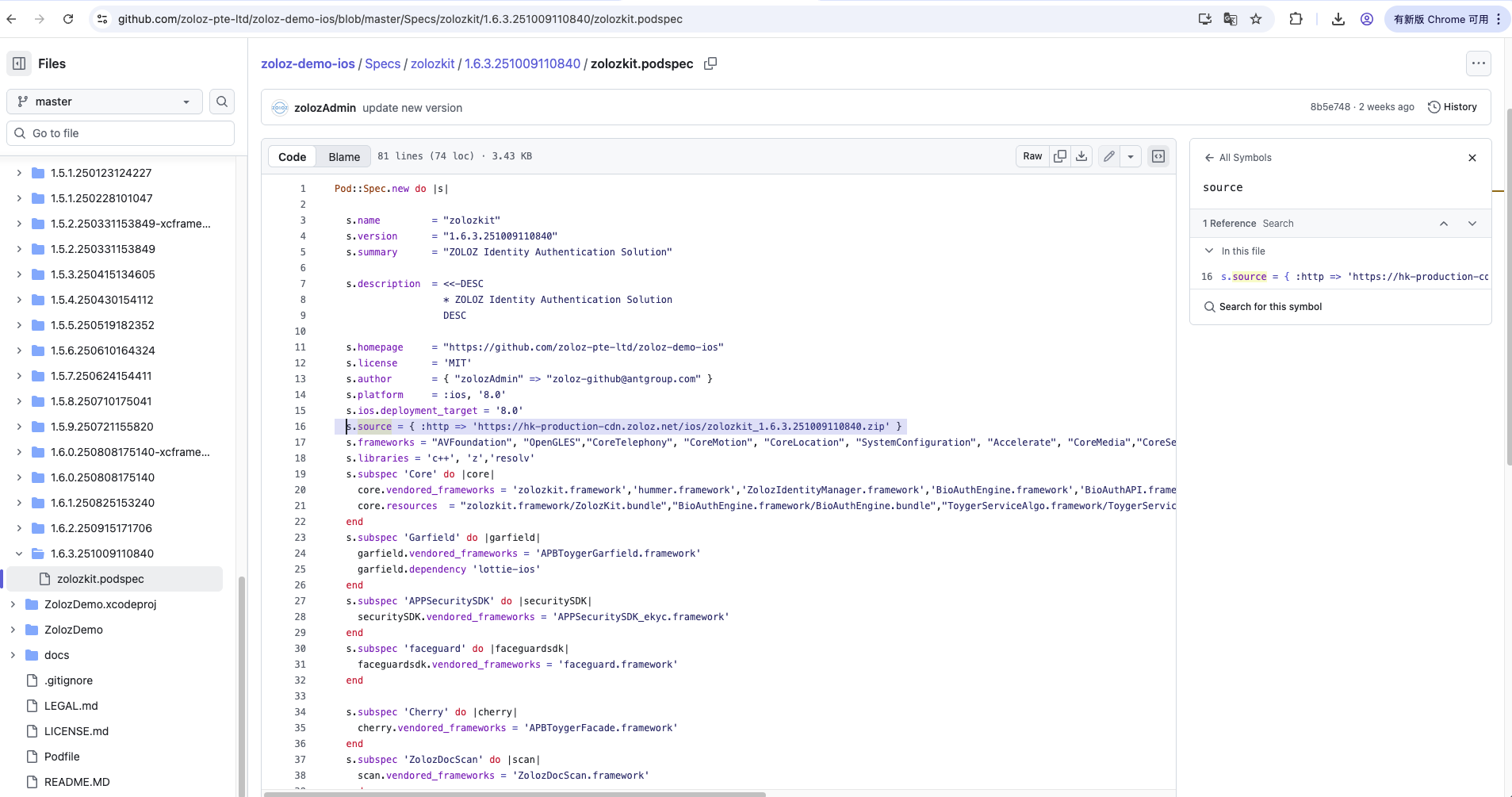
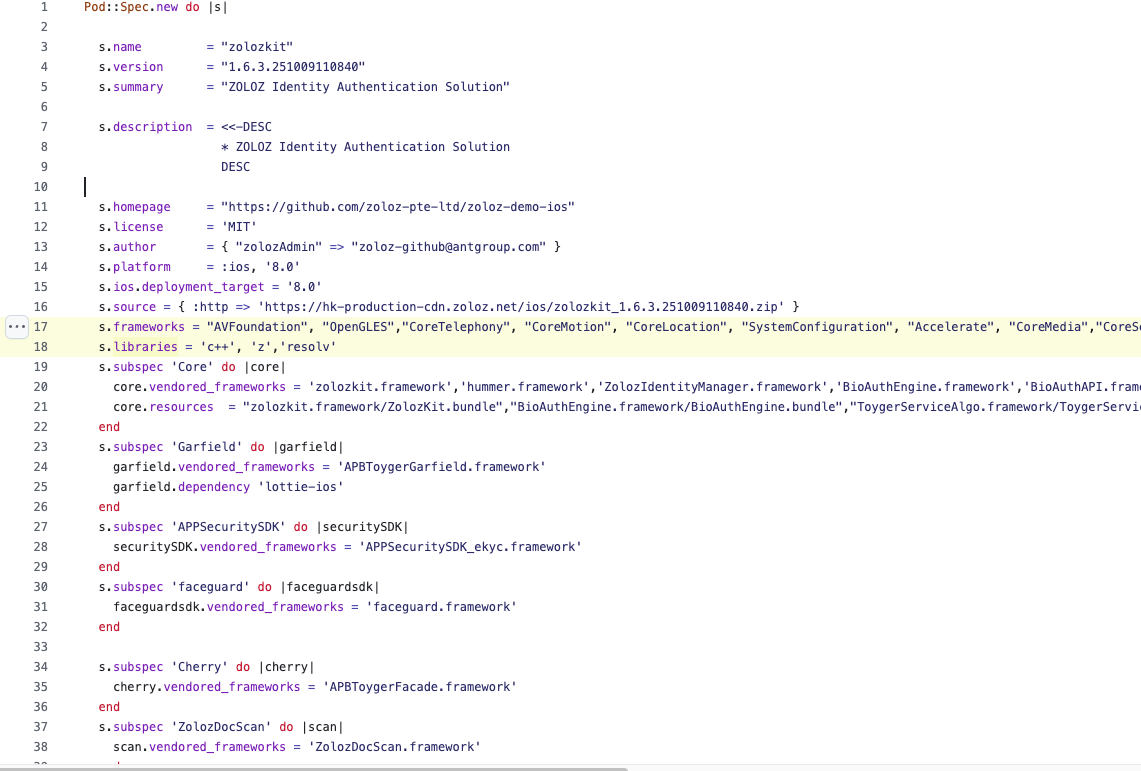
Specs/zolozkitdirectory on the left, select the desired ZOLOZKit version (it is recommended to use the latest version), and open the correspondingzolozkit.podspecfiles.
- In the
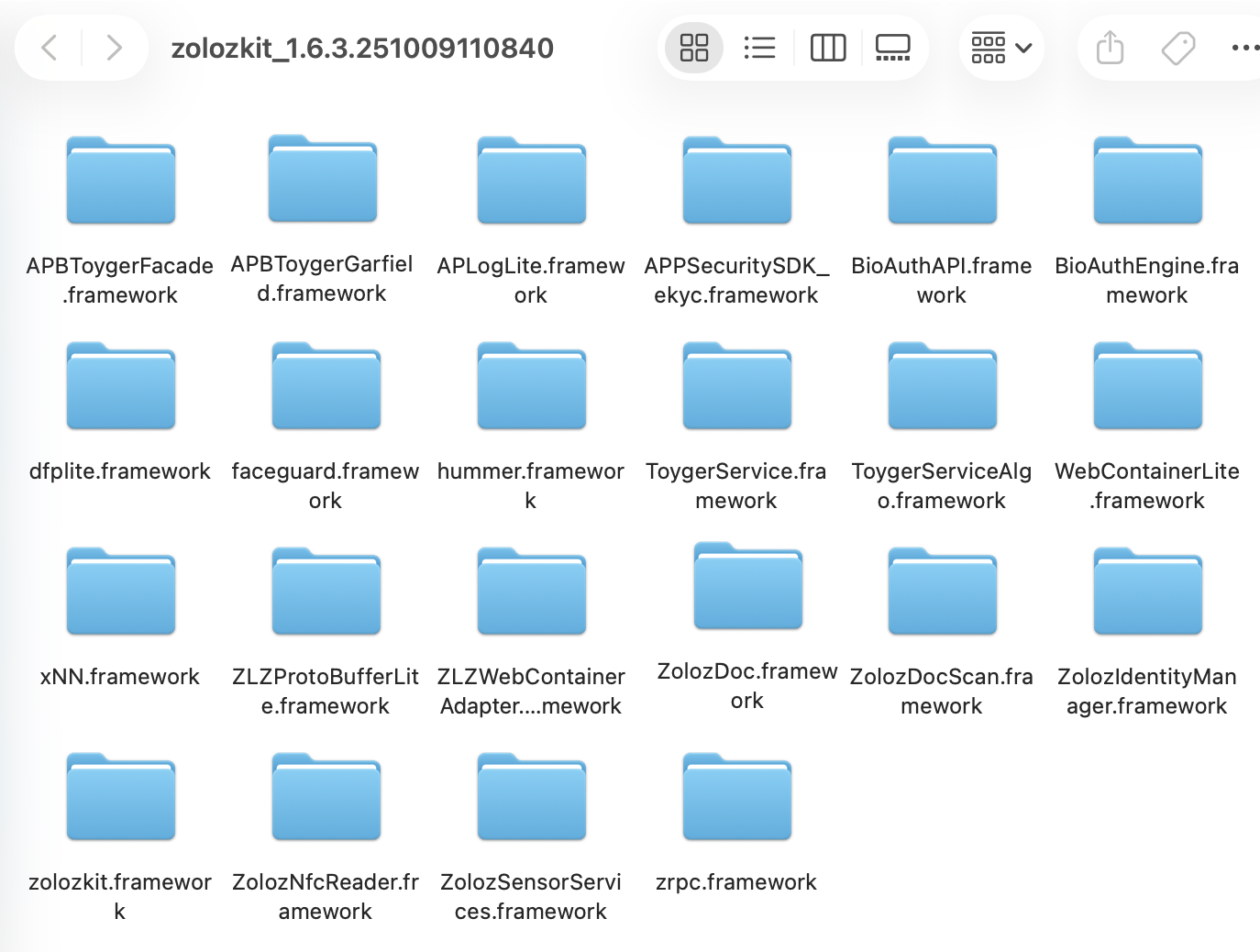
zolozkit.podspecfile, search fors.source, and download the SDK in ZIP format using the link provided ins.source. - After downloading, extract the ZIP file. The directory will contain multiple
.frameworkfiles. - Delete unnecessary files:
- Mandatory deletion: Remove
APBToygerGarfield.frameworkandZolozDoc.framework. - Optional deletion: If NFC functionality is not required, delete
ZolozNfcReader.framework.
Step 2: Handling Resource Files
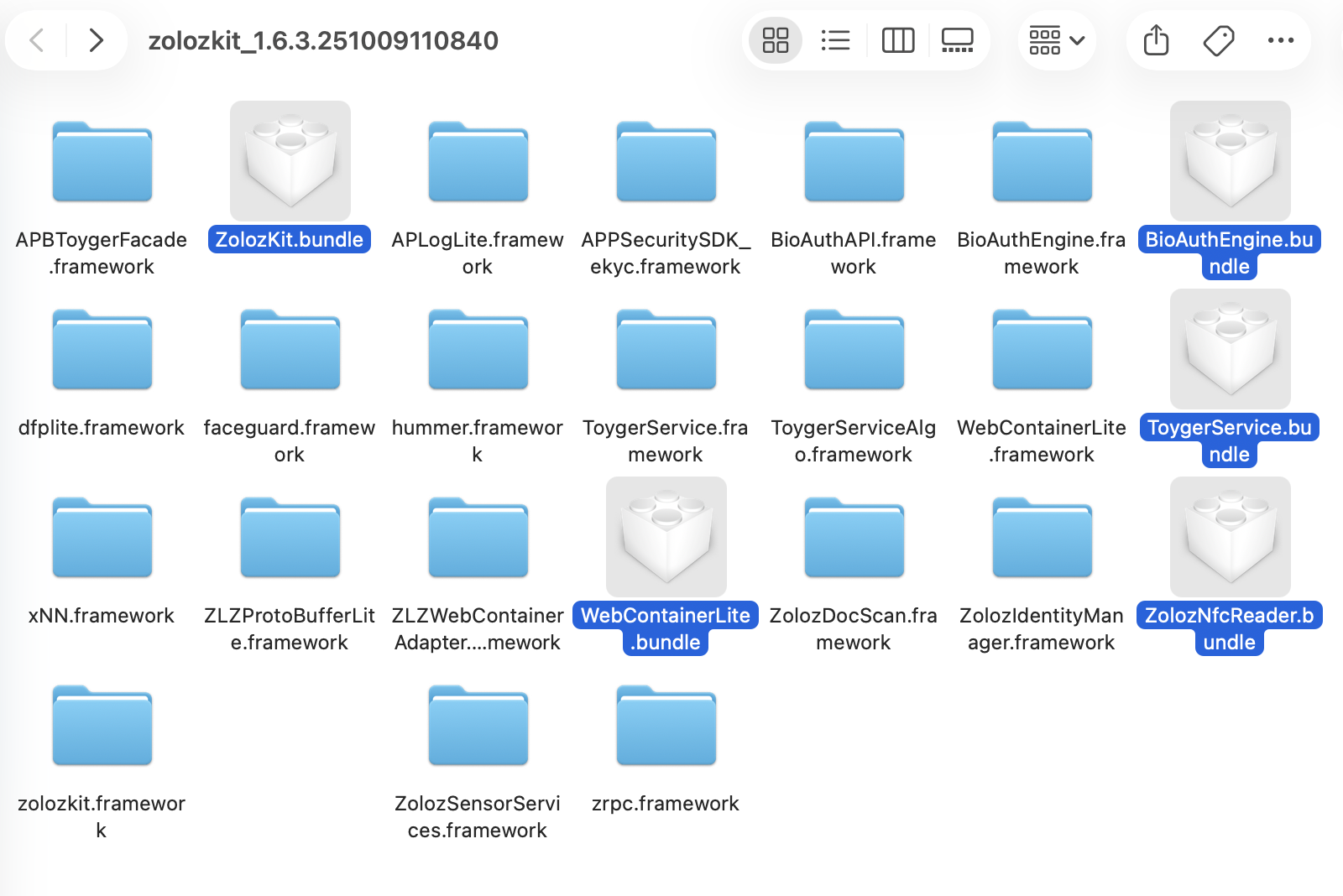
Move the following 5 .bundle files to the directory at the same level as the framework by following the path below.
copy
zolozkit.framework/ZolozKit.bundle
BioAuthEngine.framework/BioAuthEngine.bundle
ToygerServiceAlgo.framework/ToygerService.bundle
WebContainerLite.framework/WebContainerLite.bundle
ZolozNfcReader.framework/ZolozNfcReader.bundleNote: If NFC functionality is not required, delete the ZolozNfcReader.bundle file.
The result is as shown in figure:
Step 3: Importing SDK into Main Project
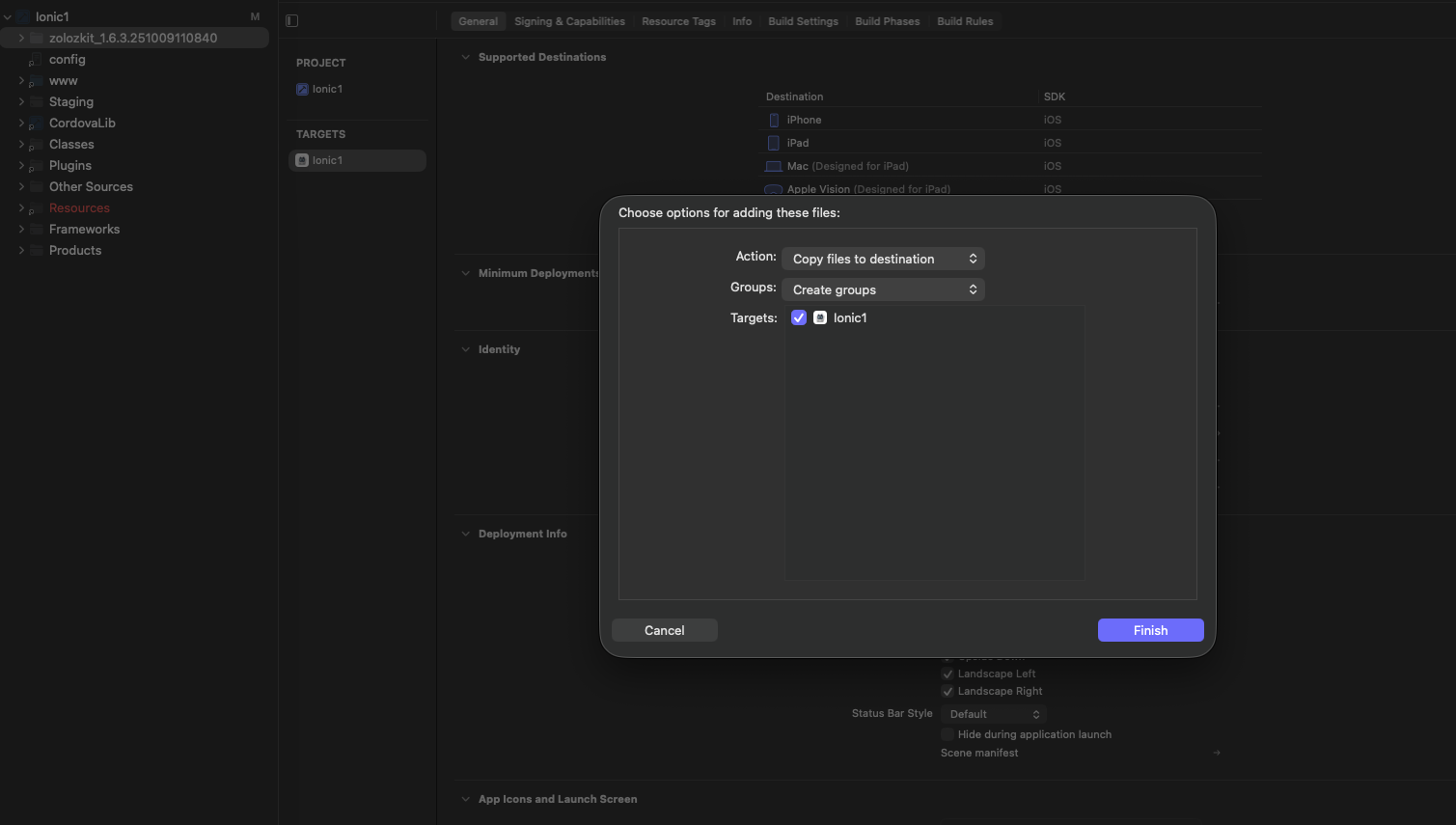
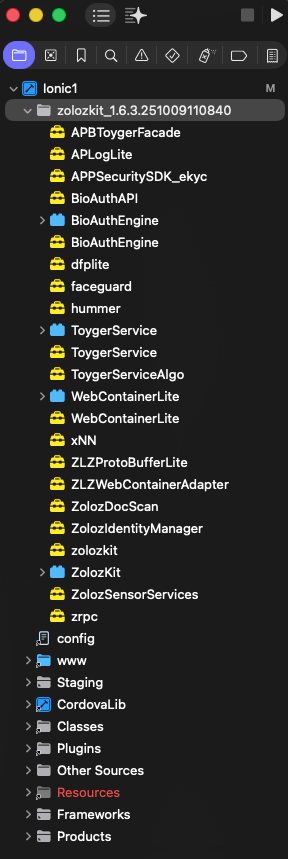
- Drag the prepared SDK folder into your Xcode project.
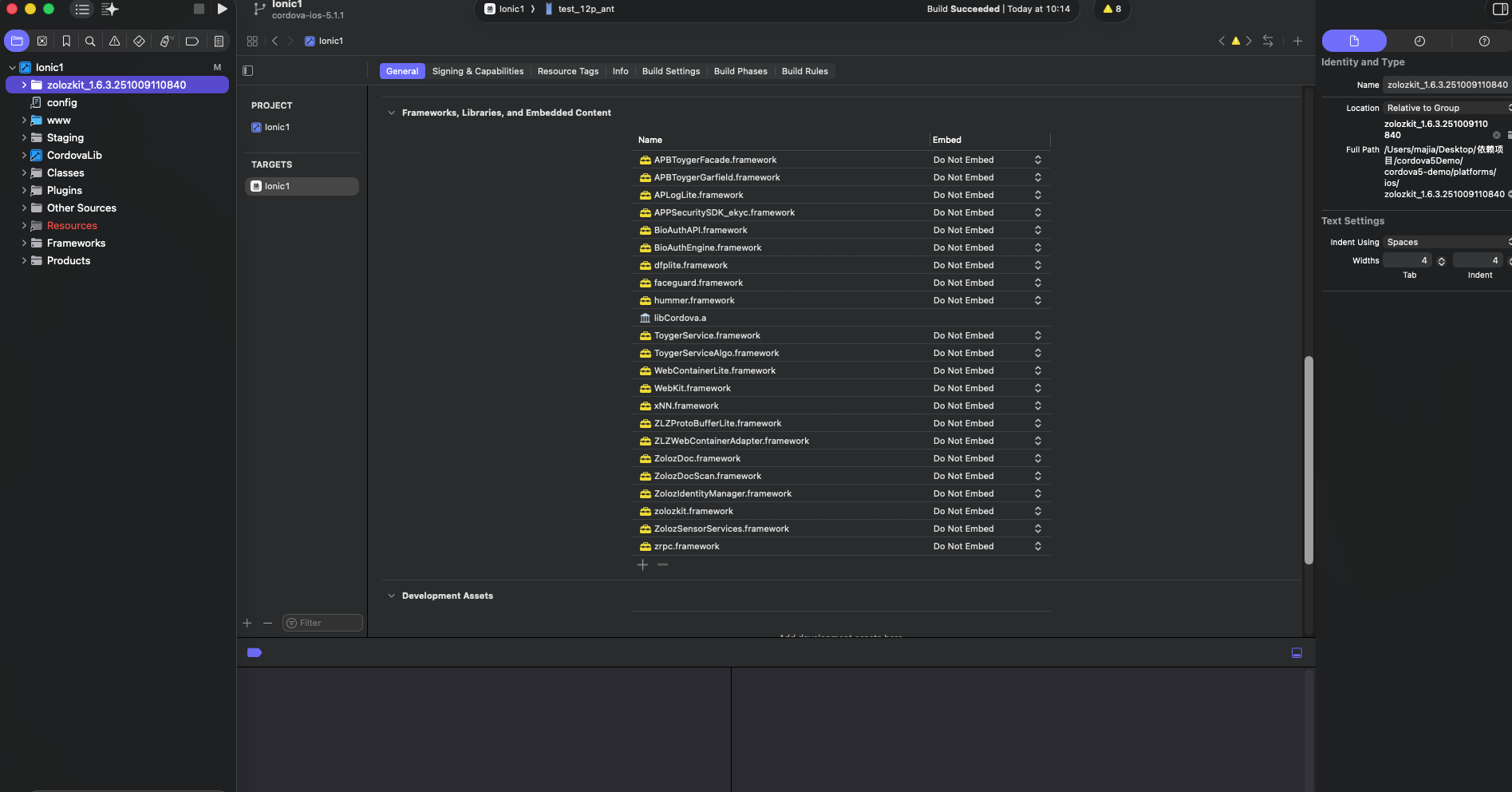
- Open Target > General > Frameworks,Libraries,and Embedded Content, and verify that Xcode has automatically added references to these frameworks.
Step 4: Adding System Libraries Required by ZOLOZKit
- In the
zolozkit.podspecfile, search fors.frameworksands.libraries. - Add all libraries listed in
s.frameworksands.librariesto Target > General > Frameworks,Libraries,and Embedded Content one by one.
Step 5: Setting Compilation and Linking Parameters
Add the following linker flags in Target > Build Settings > Other Linker Flags:
copy
-ObjC
-ld64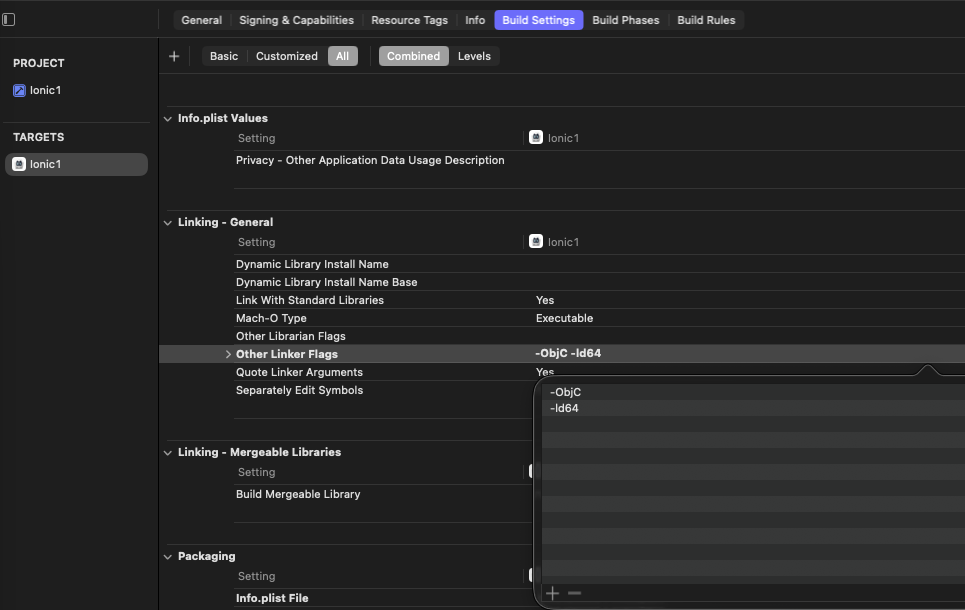
Verify Integration Result
Verify Framework Integration
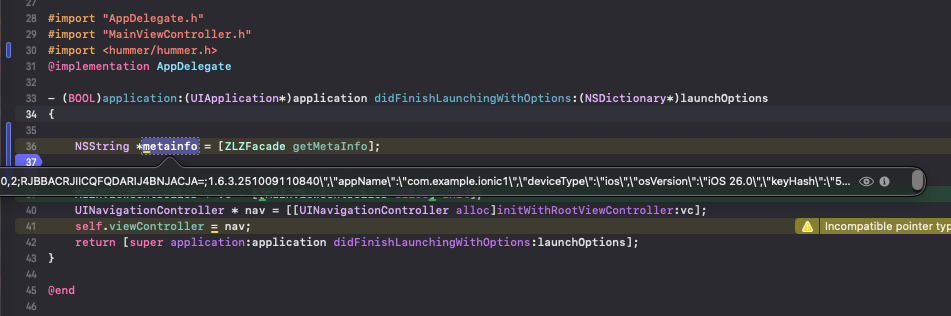
Add the following test code, if the metainfo string is retrieved successfully, the SDK integration is confirmed.
copy
//Reference hummer
#import <hummer/hummer.h>


//Test calling [ZLZFacade getMetaInfo]
NSString *metainfo = [ZLZFacade getMetaInfo];
Verify the Resource Files Integration
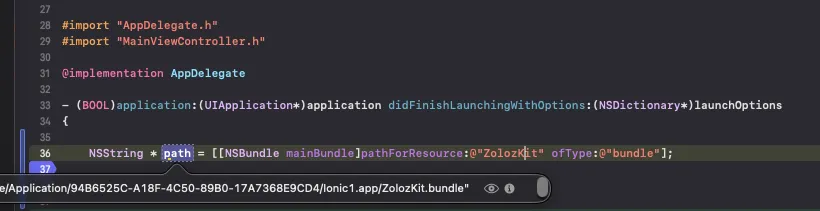
Add the following test code, if the retrieved path is not nil, it indicates that the SDK's resource files have been successfully integrated.
copy
//Verify that ZolozKit.bundles exist in the root directory
NSString * path = [[NSBundle mainBundle]pathForResource:@"ZolozKit" ofType:@"bundle"];