
ZOLOZ iOS SDK Integration via Swift Package
This document provides a comprehensive walkthrough of the complete workflow for integrating the ZOLOZ iOS SDK via Swift Package.
Overview
The Swift Package SDK and the CocoaPods SDK share identical core functionalities, with only slight differences in integration approach and dependency management.
The Swift Package SDK utilizes the XCFramework format and supports compilation and execution on Apple silicon simulators.
Prerequisites
Before integrating the ZOLOZ iOS SDK, ensure that your Xcode version is 15.0 or later.
Procedures
Step 1: Add the package dependency
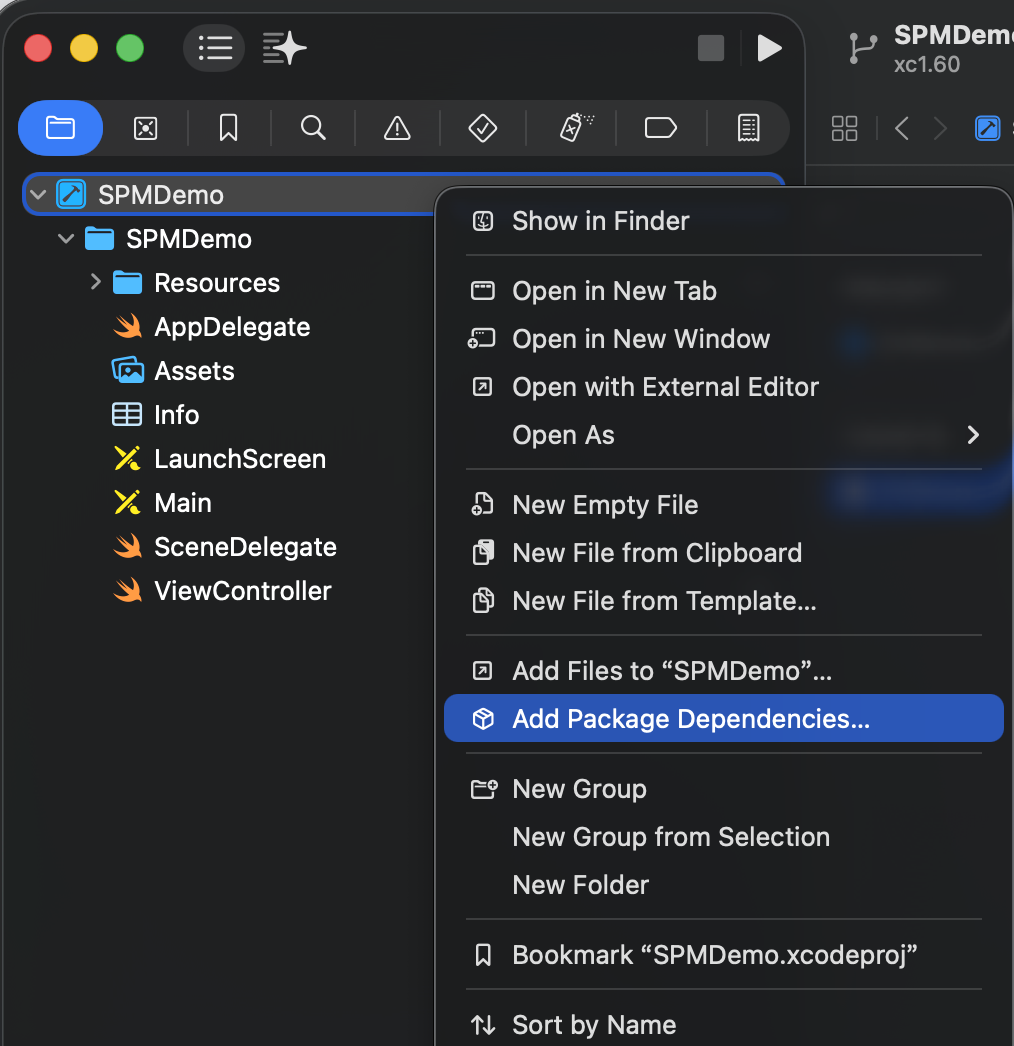
- In Xcode, select File > Add Package Dependencies....

- Enter the repository address in the search box located at the upper right corner of the popup window. The address is https://github.com/zoloz-pte-ltd/zoloz-demo-ios.
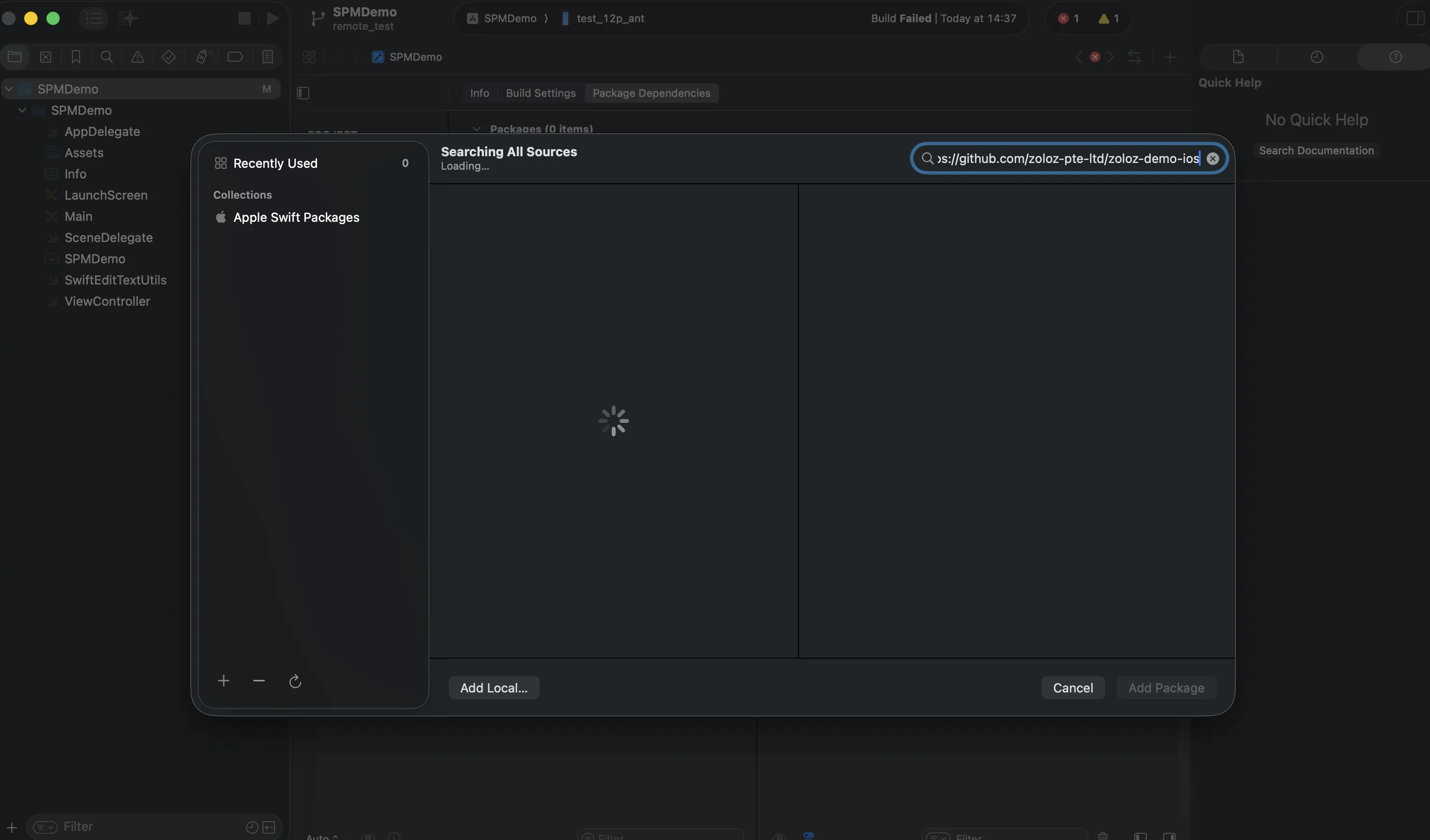
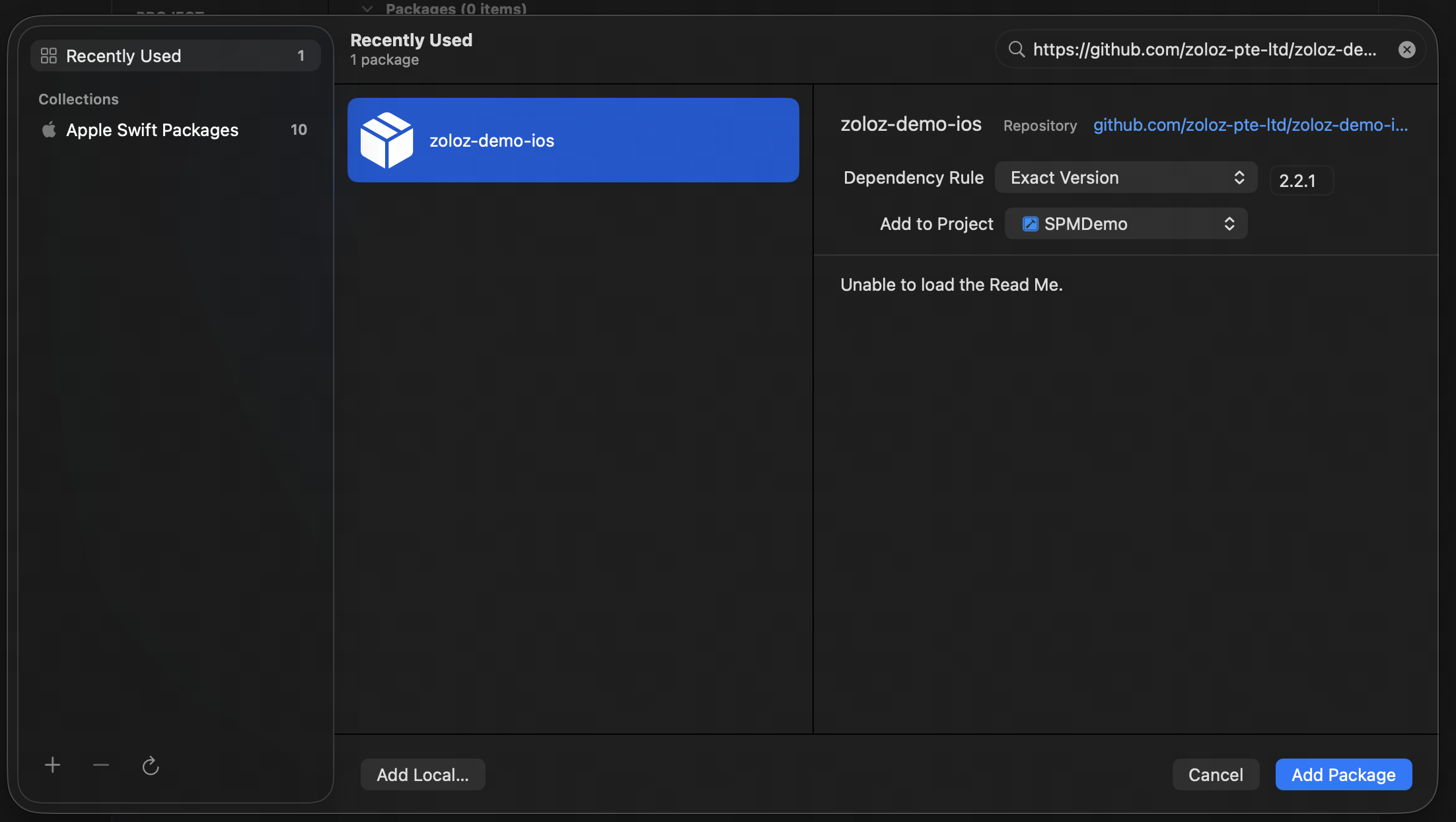
- In the Dependency Rule section, select Exact Version, enter the version number (for example, 2.2.1), and then click Add Package.
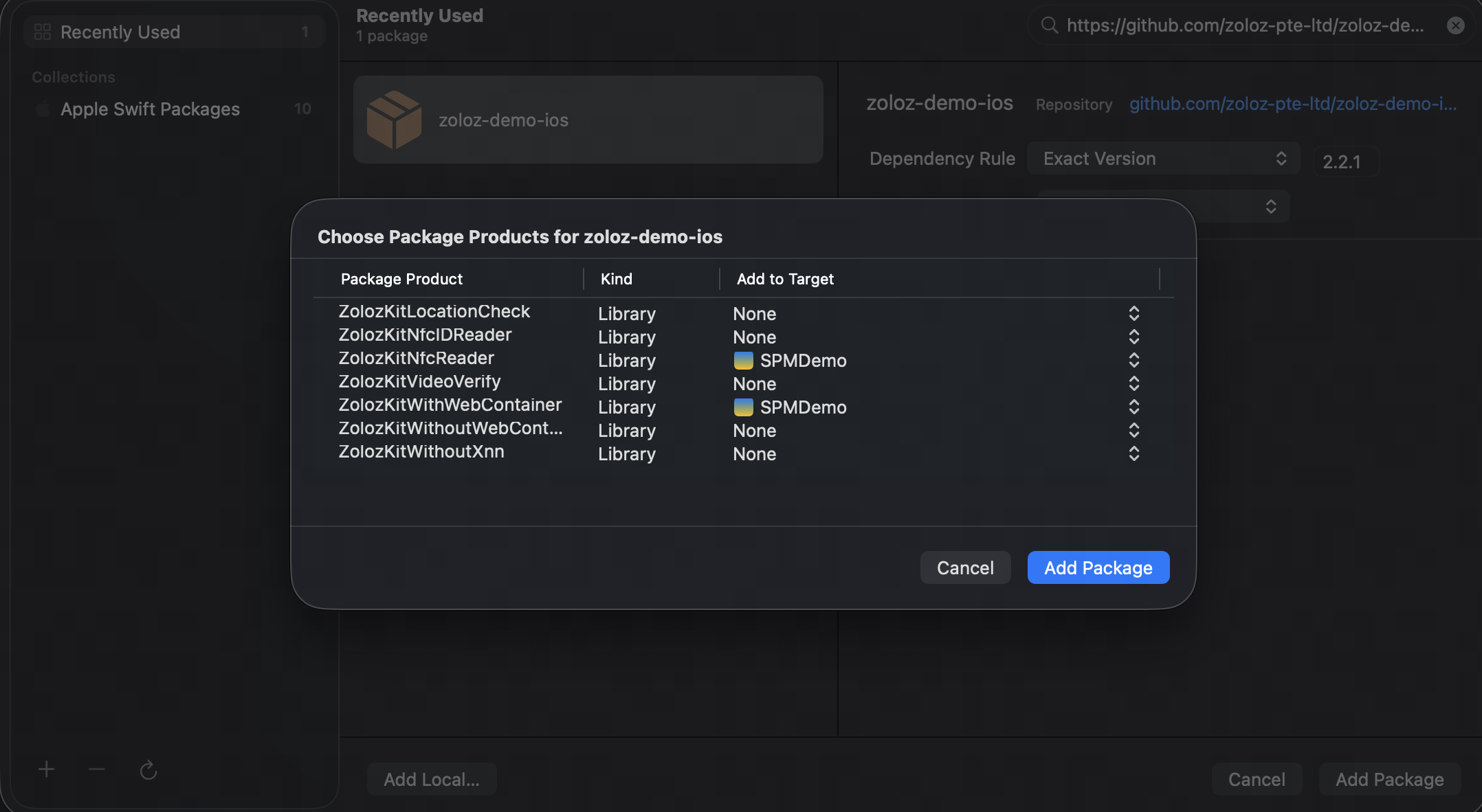
- In the Choose Package Products window that appears, select the required Products based on your business needs.
Product Feature | Product Name | Description |
Basic Features (Required) | ZolozKitWithWebContainer | Includes core features such as Real ID, Face Capture, ID Recognition, and Deeper. |
NFC Reader | ZolozKitNfcReader | Integrate this Product if you need to additionally use the NFC Reader feature. |
VideoVerify | ZolozKitVideoVerify | Integrate this Product if you need to additionally use the video-based identity verification feature. |
GeoTrust Locator | ZolozKitLocationCheck | Integrate this Product if you need to additionally use the location detection feature. |
- After completing the configuration, click Add Package.
Step 2: Verify the SDK integration result
After successful integration, zolozkit will appear in your project's Package Dependencies.
Validation of Integration
After integration is complete, use the following two tests to verify whether the SDK is successfully integrated.
Verify metainfo Retrieval
Run the following codes in the project to retrieve metainfo. If metaInfo content is successfully displayed, the SDK integration is successful.
let metainfo = ZLZFacade.getMetaInfo();
showAlert(title: "METAINFO", message: metainfo)
Below is a complete metainfo example.
{
    "appVersion": "1",
    "bioMetaInfo": "3.46.0:0,2;RJBBACRJIIFQGQDARIJ4BNJACJA=;2.0.8.251111182808",
    "appName": "zoloz.demo.spmdemo.mj.SPMDemo",
    "deviceType": "ios",
    "osVersion": "iOS 26.1",
    "keyHash": "5EBC**",
    "buildVersion": "2.0.8.251111182808",
    "apdidToken": "ZLZ0307B71E92194BCD843170C4F417****",
    "deviceModel": "iPhone13,3"
}
Verify resource files Import
Run the following codes to verify whether the required resource files for ZOLOZ are successfully imported.
let url = Bundle.main.url(forResource: "zolozkit_resources", withExtension: "bundle")
if let bundleURL = url, let bundle = Bundle(url: bundleURL) {
    let files = try! FileManager.default.contentsOfDirectory(atPath: bundle.resourcePath!)
    let msg = files.joined(separator: ", ")
    print(msg)
    let alert = UIAlertController(title: "Zoloz Bundles", message: msg, preferredStyle: .alert)
    alert.addAction(UIAlertAction(title: "OK", style: .default))
    self.present(alert, animated: true)
} else {
    let alert = UIAlertController(title: "Error", message: "zolozkit_resources.bundle not found", preferredStyle: .alert)
    alert.addAction(UIAlertAction(title: "CLOSE", style: .default))
    self.present(alert, animated: true)
}
If the following files is successfully displayed, the SDK integration is successful.
WebContainerLite.bundle, ZolozNfcReader.bundle, ToygerService.bundle, Info.plist, BioAuthEngine.bundle, ZolozKit.bundle